Choose layout
Choose font
Size
Print options
Display the game score on the video
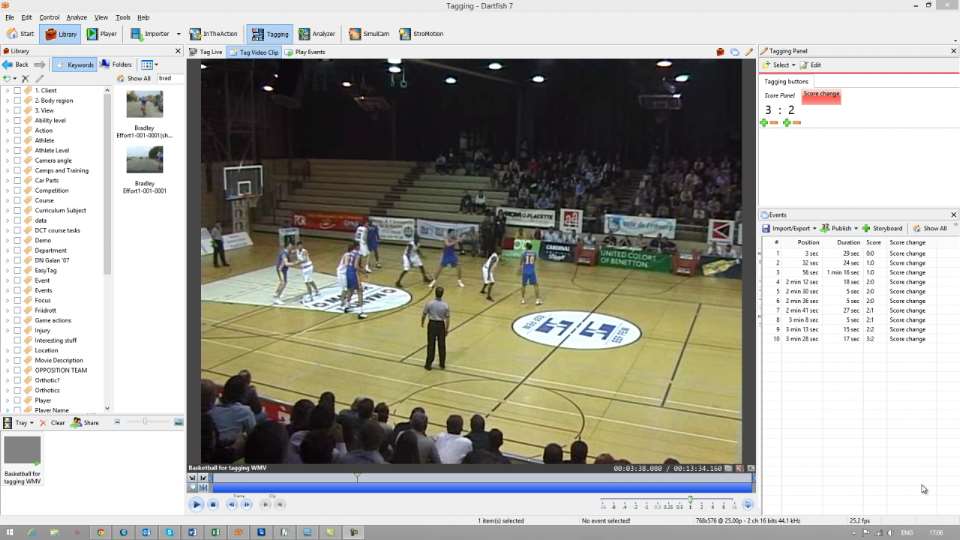
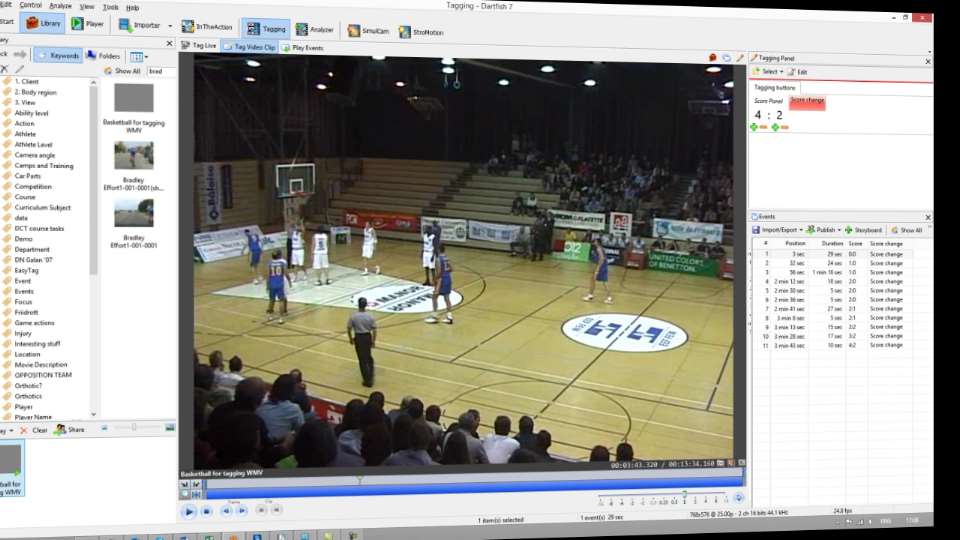
Tagging the video with the score
I created a tagging panel which recorded the score at different periods of the game using an event button and a score panel. Your event could be anything; I've used an artificial event called 'score change' but if you wanted to incorporate this into other match tagging you could use any other event which starts immediately after the score change. Remember that only the time stamp (position) of each event is important - duration is not used or understood by a data reader.
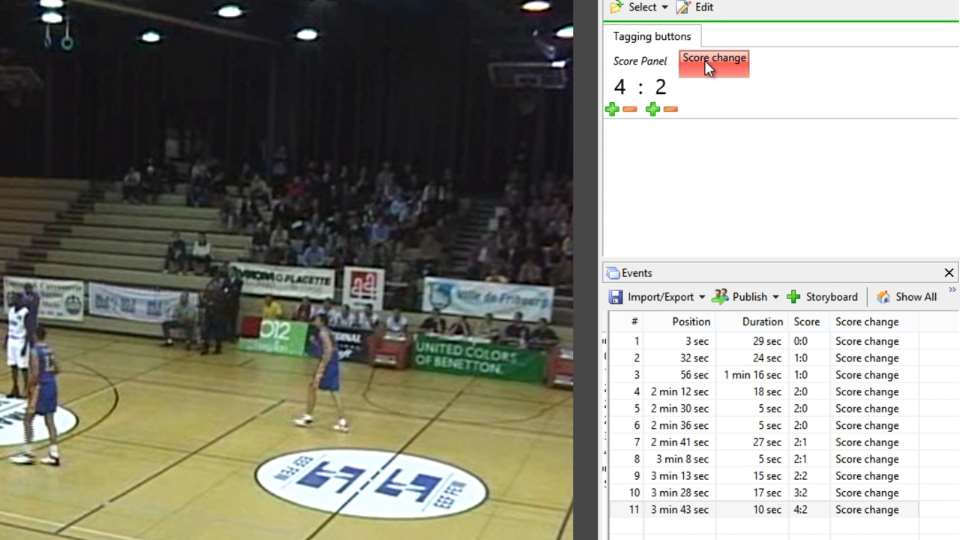
Export events
Events are exported as a CSV file using the Events list Export Events function.
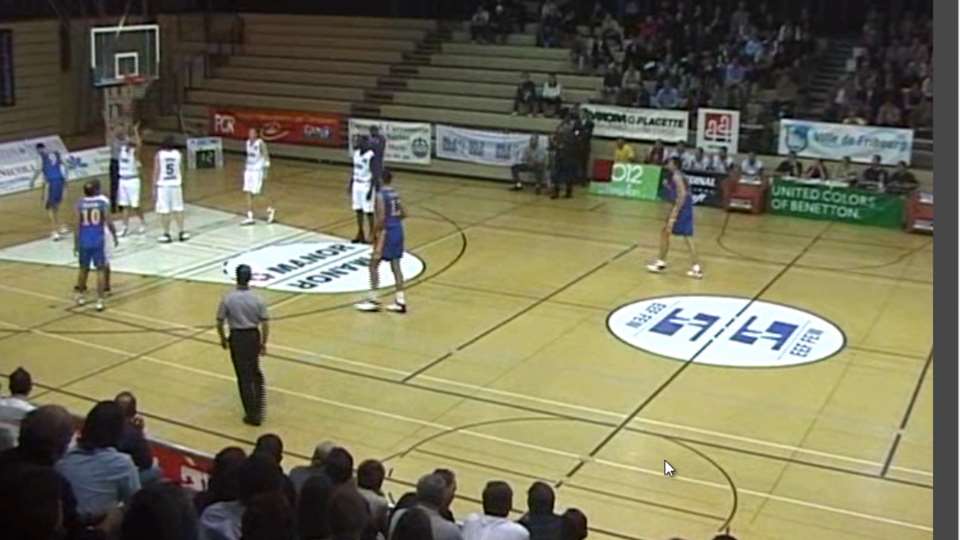
Link the game video
Right click the video in the Library to lik it to data. Only possible with Dartfish TeamPro Data edition
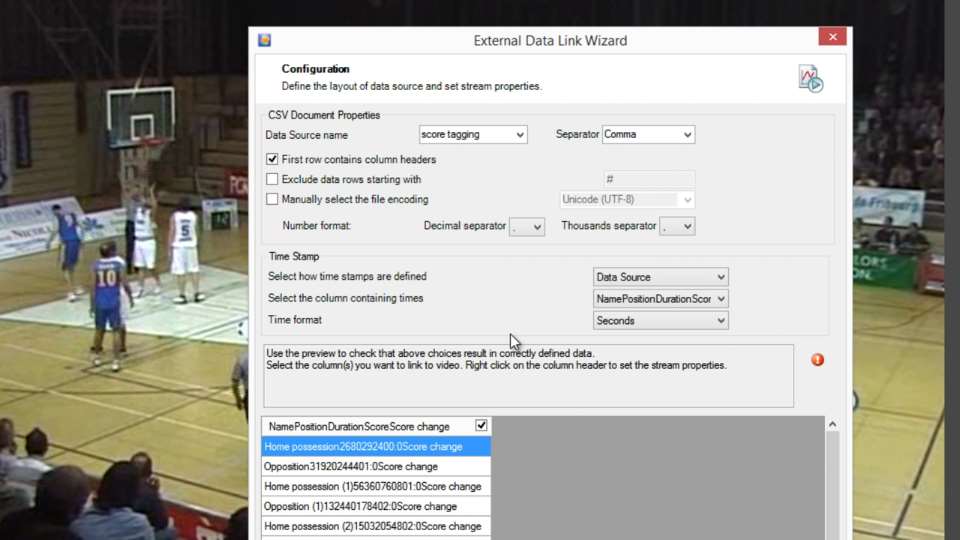
Data configuration
This part of the video shows the settings you would choose when linking data exported from Dartfish Tagging.
Linking a text drawing to data
The score is displayed by linking a text drawing to the "Score" data stream

Capture. Analyze. Share.
powered by
dartfish.tv
Display the score on the game video
A power user tip for Dartfish TeamPro data users. Tagging is used to mark up the video with the score and the data is imported using the CSV Data reader. Takes next to no time.
Language -
English
Learn Dartfish -
Dartfish software tips
Resource Type -
Training Documentation